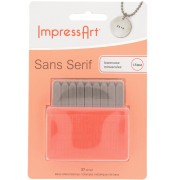
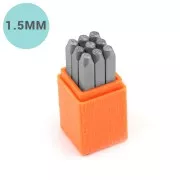

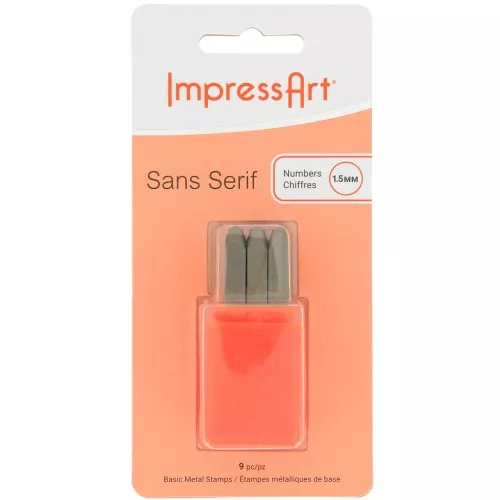
This set of 9 ImpressArt embossing stamps consists of 9 digits approx. 1.5 mm in diameter.
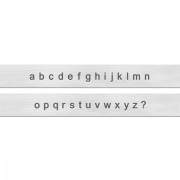
The SANS SERIF font style will add originality to your personalized engravings.
Please note: These stamps feature numbers from 0 to 8. The number 6 is also used to engrave the number 9. Don't forget to return it!
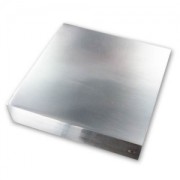
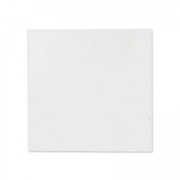
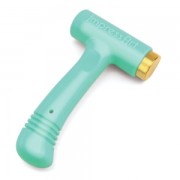
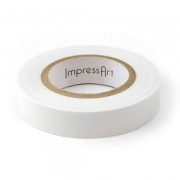
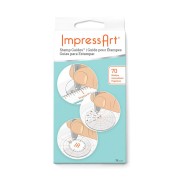
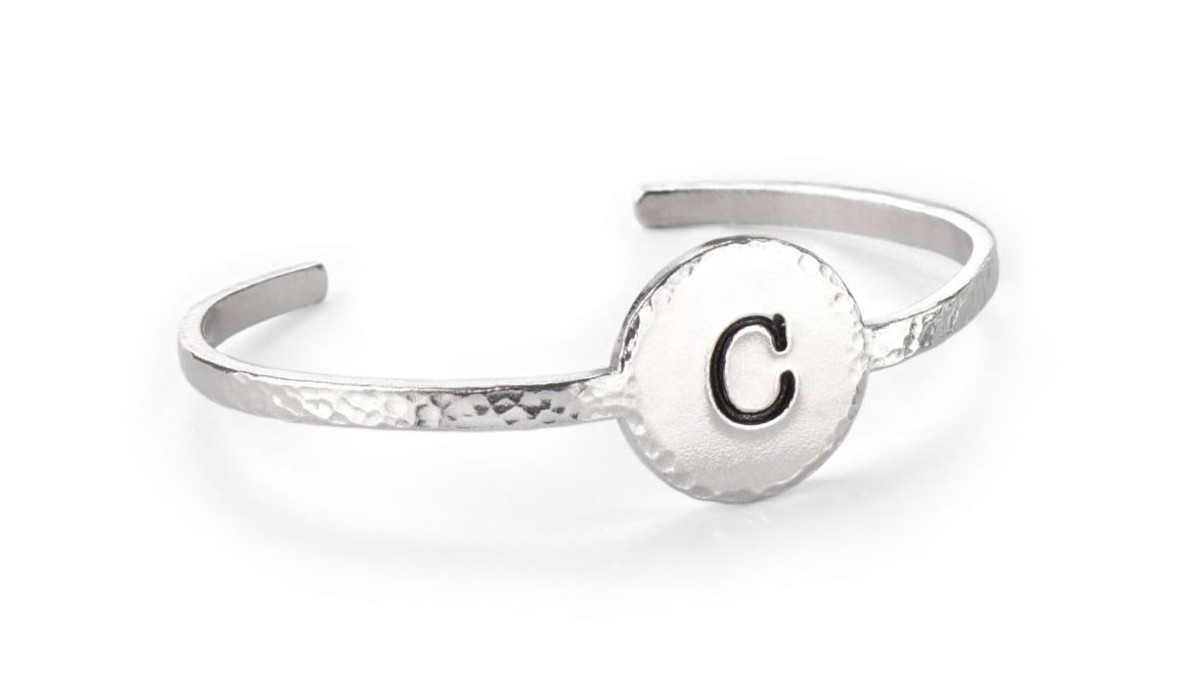
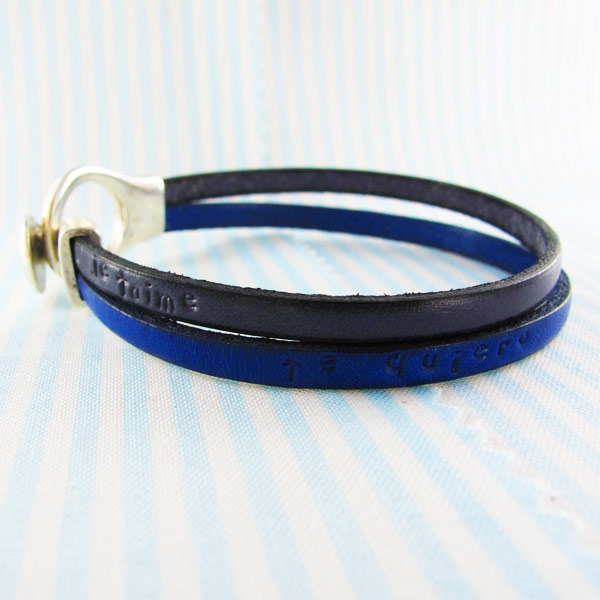
How do I engrave jewelry with ImpressArt material? For example, how do you engrave a medal? To engrave metal, you'll need a hammer, an alphabet punch, a bit of scotch tape, a jeweler's stack (tapping block) and a bracelet.
1. Place your bracelet to be formed on the pile (tapping block).
2. Determine where you want to engrave. Use the tape to "fix" your bracelet, but also to guide you when punching.
3. Place your number punch vertically, then tap it with a hammer. A sharp, clean blow will mark your metal.
4. Finish your engraving by applying acrylic ink to blacken your design. Remove excess ink with a soft cloth.
In just a few minutes, you'll have a beautiful personalized bracelet!
Discover our wide range of ImpressArt These tools enable you to easily create personalized engravings on metal (silver 925, copper, brass, aluminum) as well as on leather, wood...
However, this metal engraving technique does require a little practice. Before getting started, we advise you to practice on a support. Find out in our technical sheets how to punch a piece of metal jewelry to make personalized jewelry or how to engrave different metals.
Details:
Height: 60 mm
Width: 6 mm
Diameter: 1.5 mm
Sold in boxes of 9