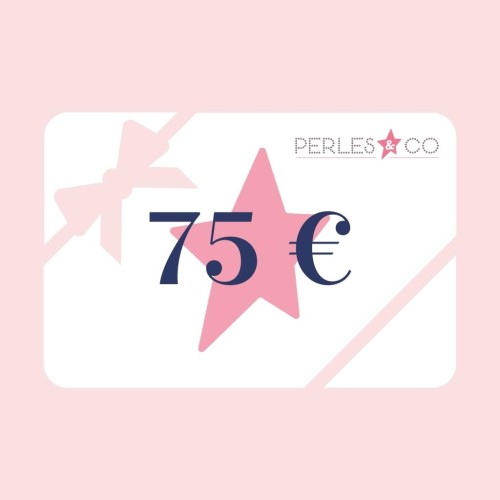
The e-gift card is not a paper card, it's a virtual card.
Make someone happy with a Perles & Co e-gift card.
Here's how you can treat yourself or a loved one:
1) Choose the amount of the e-gift card that suits you best
2) Add it as a product to your shopping cart
3) Place your order as usual
4) Return to your Perles & Co customer account
5) Go to > Account > My account > E-Gift cards
6) Fill in the details of the lucky recipient in the appropriate box
7) Write him/her a kind note
8) Select "Send e-gift card by email".
9) Click on the "Confirm" button to send your e-gift card by email... and presto! It's done!
Once you've purchased a gift card, the amount is displayed in your customer account as soon as you log in.
To send a gift card to a friend or family member, go to My Account and, once logged in
My Account > Gift card account
Then send a gift card to a friend.
All you need to do is specify :
- name,
- his/her e-mail address,
- the amount you wish to send.
You can also add a personalized message.
We answer all your questions about gift cards in our FAQ section.
If you'd like to hand-deliver the gift voucher in an attractive card of your own making, simply print it out! When you receive your summary e-mail, click on "print gift card". All that's left to do is slip your gift under the tree and make someone very happy!
Registration validity: 1 year. Once on the account, the credit never expires.
Please note: the account is deleted after 3 years of total inactivity.